From sign-up to first reminder in an afternoon
Meccora runs alongside whatever you use now. There is nothing to install and no integration to build.
Add your shop
Create your account and enter your business details, the services you offer, and how far ahead you want reminders to go out. Set default service intervals once and Meccora applies them from then on.
- Add staff logins with the right level of access.
- Brand your reminder emails with your shop name and wording.
- Choose English or French per customer.
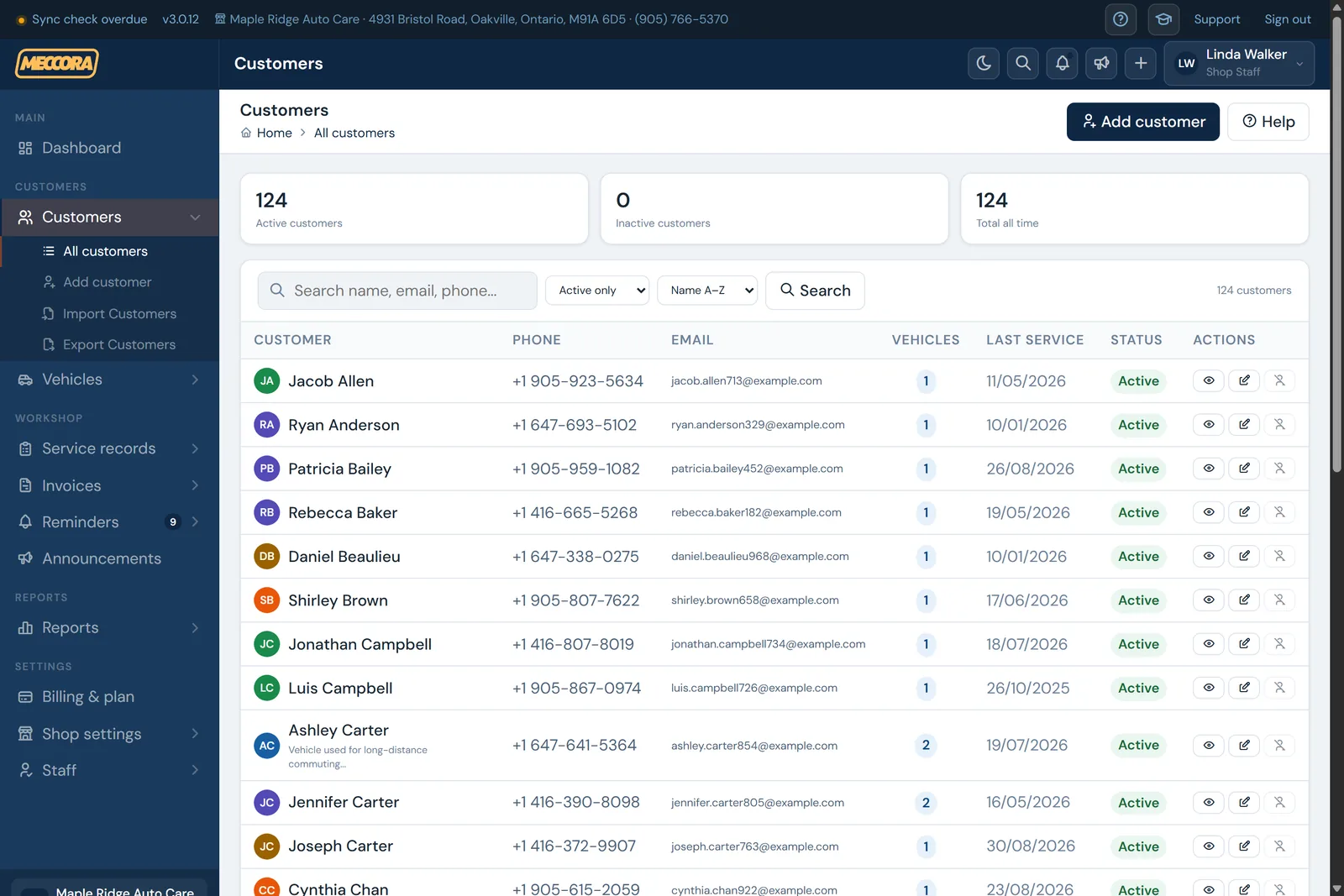
Bring your customers in
Import your existing customer list and their vehicles from a CSV file — no manual re-typing. Prefer to let customers do it? Print your shop's QR code for the counter and they register themselves and their vehicle directly.
- Every new account starts with demo data so you can practise safely.
- A one-click cleanup wipes the demo records when you're ready to go live.
- QR registration doubles as a documented SMS consent method.
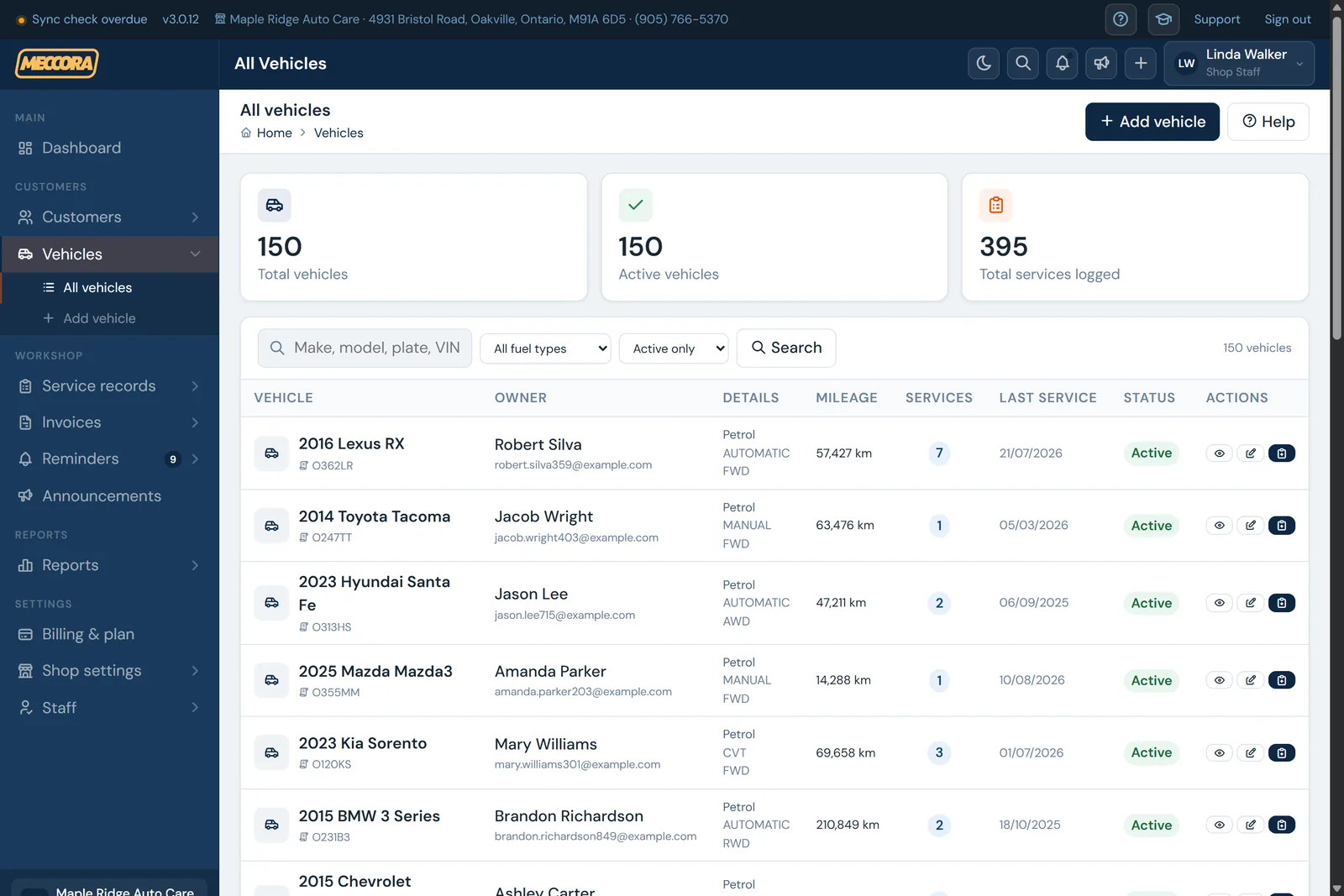
Log each service
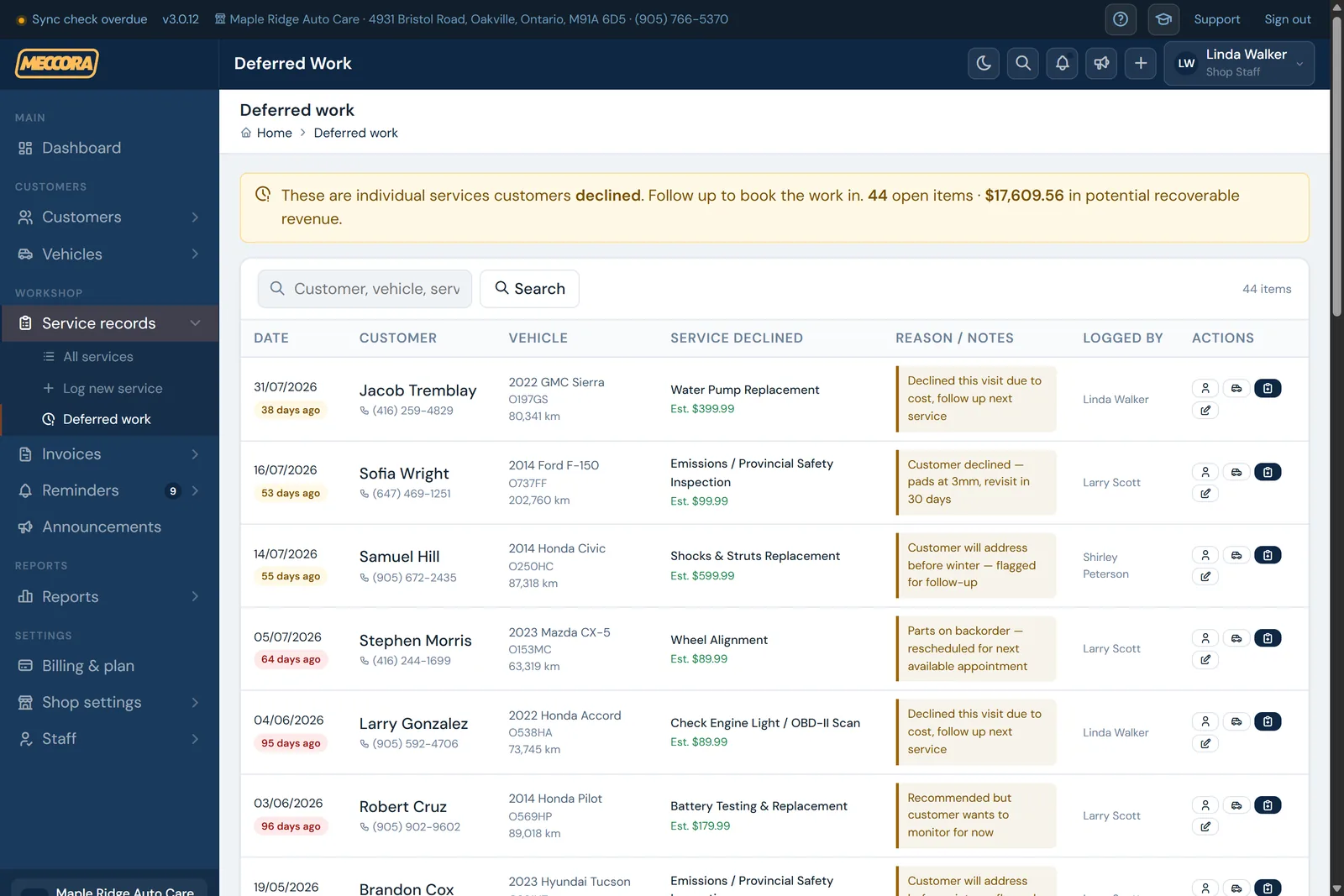
After a job, record the work, the cost, and the next service date. If the customer declined recommended work, flag it with an estimated value so it lands on your deferred-work list instead of being forgotten.
- Each service auto-creates its reminder sequence: 30 days, 15 days, day-of.
- Estimated price vs. actual cost keeps your pipeline projection realistic.
- Generate an invoice straight from the service record when you need one.
Meccora does the follow-up
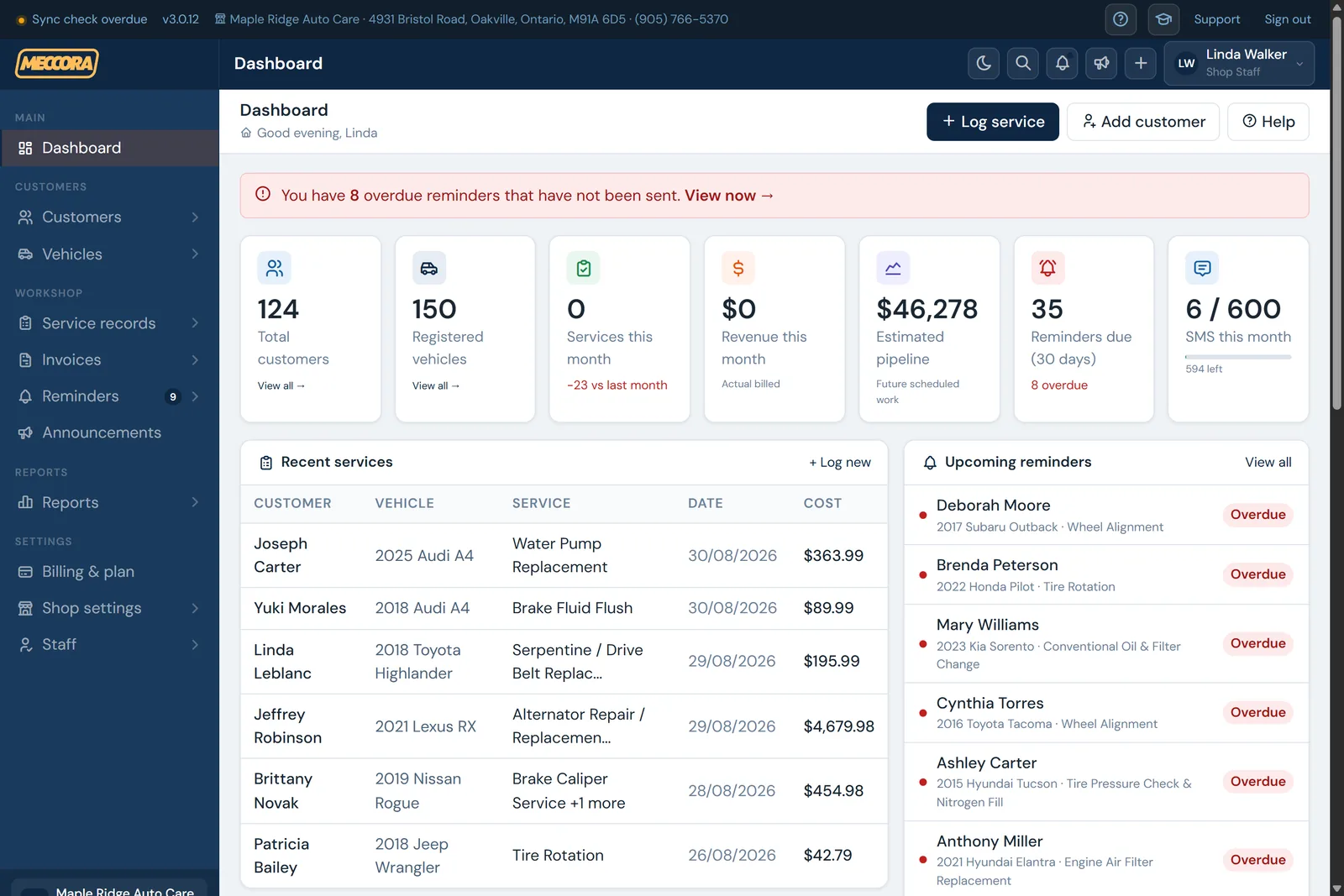
Reminders go out automatically on schedule, in each customer's language, by email or SMS. You watch bookings, deferred work and pipeline revenue on the dashboard — and see exactly which messages were delivered.
- Real-time SMS delivery status; failed messages are flagged for you.
- Staff can reschedule or cancel any individual reminder.
- The follow-up call on big deferred jobs is still your team — Meccora just makes sure it happens.
The same flow, in two minutes
A few honest limits
- It's not a payment processor. Invoices are for your records; you take payment on your own terminal or gateway.
- It doesn't make the calls for you. Reminders are automatic; the follow-up call on declined work is your team's.
- Reminder emails have no unsubscribe link yet. They're transactional service notices; SMS has full STOP/START opt-out.